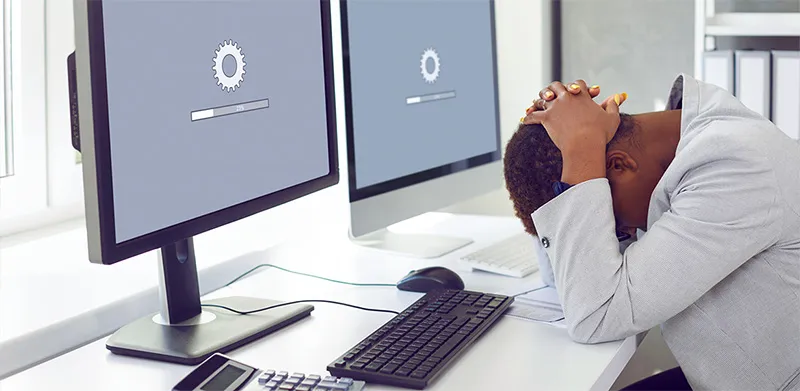
As businesses boot back up for the new year, Bit-Wizards is urging them to take a closer look at the red flags associated with computer performance.
Each January, companies take the time to organize, revamp, and streamline various aspects of their work to achieve success in the new year. With that in mind and National Clean Up Your Computer Month in full swing, the approach toward optimizing tech should be no different, especially when the warning signs are there.
Most people think computer speeds drop suddenly, especially with the joke that computers can smell fear or sense when you’re short on time, but it’s usually a build-up of factors that eventually leads them to realize that their device isn’t as fast as it used to be. As your computer gets slower over time, you may not notice the gradual differences that have always been there until you’re in a rush to get something done.
—Brian Schlechter, Director of IT
A 2018 Microsoft study revealed that slower devices are 2.7 times more likely to require maintenance, costing users an average of 112 hours of productivity per year, which translates to thousands of dollars per employee. Using its 25 years of Managed IT Services experience, Bit-Wizards points to several recurring issues as the primary drivers of these device slowdowns:
- Too many applications launching at startup, consuming memory before work begins.
- Overloaded web browsers with excessive tabs or extensions.
- Long periods without rebooting, which leaves memory clogged with unnecessary data.
- Running out of internal storage, forcing systems to compensate for limited space.
- Outdated hardware that struggles with modern applications.
- Constant background tasks like cloud syncing or cybersecurity scans that drain processing power.
- Poor internet connection performance.
- Malware or cyber threats silently consuming resources.
So how can companies mitigate these issues? Simple actions like these can help improve performance, enhance security, and extend the lifespan of critical equipment:
- Schedule software updates
- Uninstall unused programs
- Ensure operating systems are fully updated
- Disable startup programs that are rarely used
- Delete files and clear out cluttered storage space
- Instead of restarting a computer, do a complete shut-off to improve RAM health
It’s essential to remember that, while practicing good cyber hygiene can extend tech life and improve output, digital hardware doesn’t last forever. As expectations for tech performance and uptime continue to grow, Bit-Wizards recommends that businesses pair clean-up efforts with routine managed IT support before they become costly issues. For more info on professional device audits or proactive IT strategies, get in touch.